The Background Remover uses an open-source AI model that runs on your own device, so it’s free, has no credits and never uploads your photos.
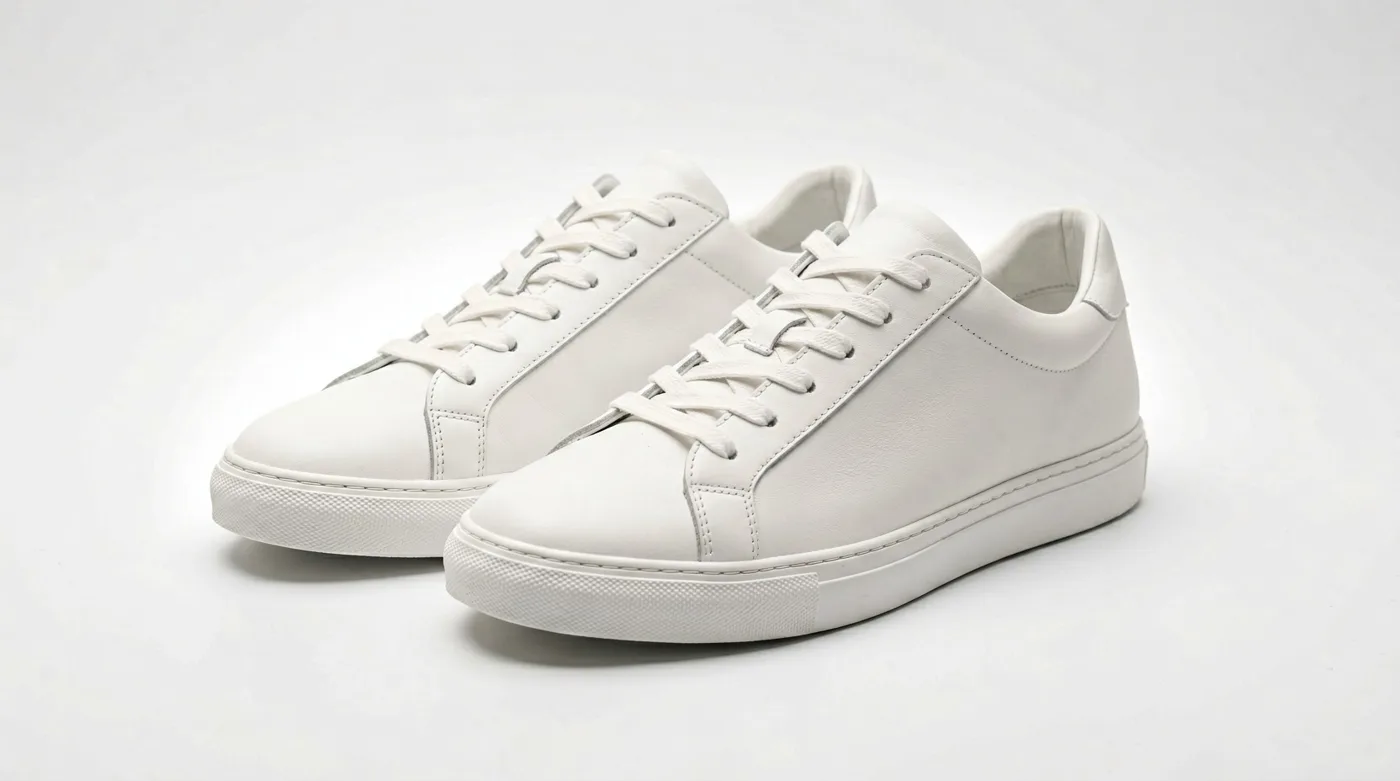
Image: Animdock Stock — free to download.
1. Drop one or more photos
JPG, PNG and WebP work. Photos with a clear subject — a person, a product, an animal — and reasonable contrast to the background give the cleanest edges.
2. Choose the new background
- Transparent — downloads as PNG, ready for thumbnails, collages and video overlays.
- White — the classic e-commerce look for Amazon, Etsy or Shopify.
- Colour — any colour from the picker, downloaded as JPG.
Edge: Soft keeps hair and fur natural; Crisp gives hard edges for products and logos.
3. Remove the background
Press Remove background. The first run downloads the model once (about 45–90 MB) and your browser caches it; after that it starts immediately. With a GPU-capable browser it takes a couple of seconds per photo; on a CPU a little longer.
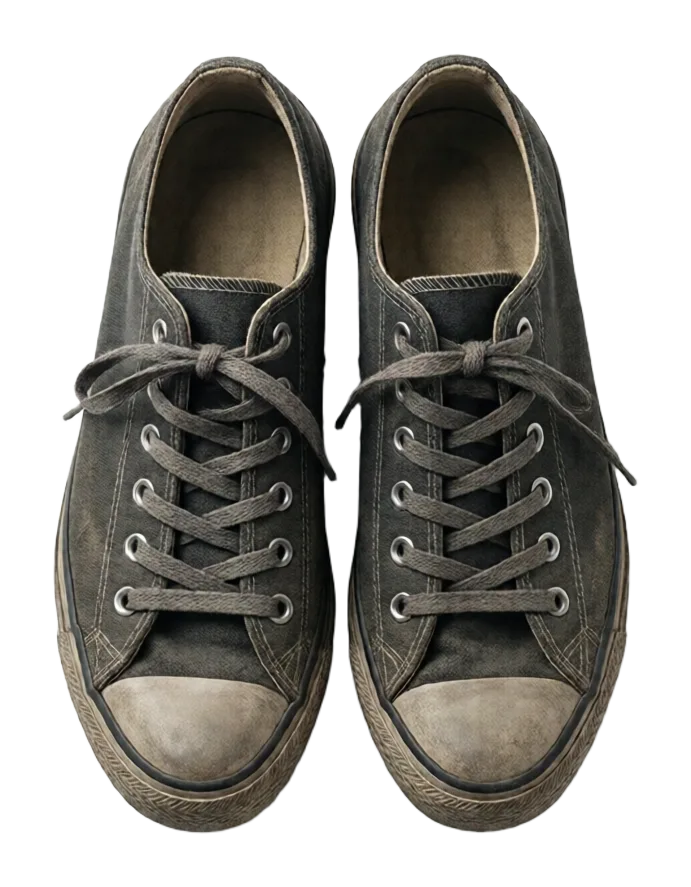
Image: Animdock Stock — free to download.
4. Download
Each result shows on a checkerboard so you can see the transparency. Change the background or edge and the cut-outs update without running the AI again. Download them one by one or as a ZIP.
Need transparent elements without cutting anything out? Browse the transparent PNGs on Animdock Stock.